OpenClaw AI Assistant: Open-Source Automation Where Work Already Happens
OpenClaw AI assistant connects chat apps, local workspaces, tools, and automation so teams can run practical AI workflows with control.
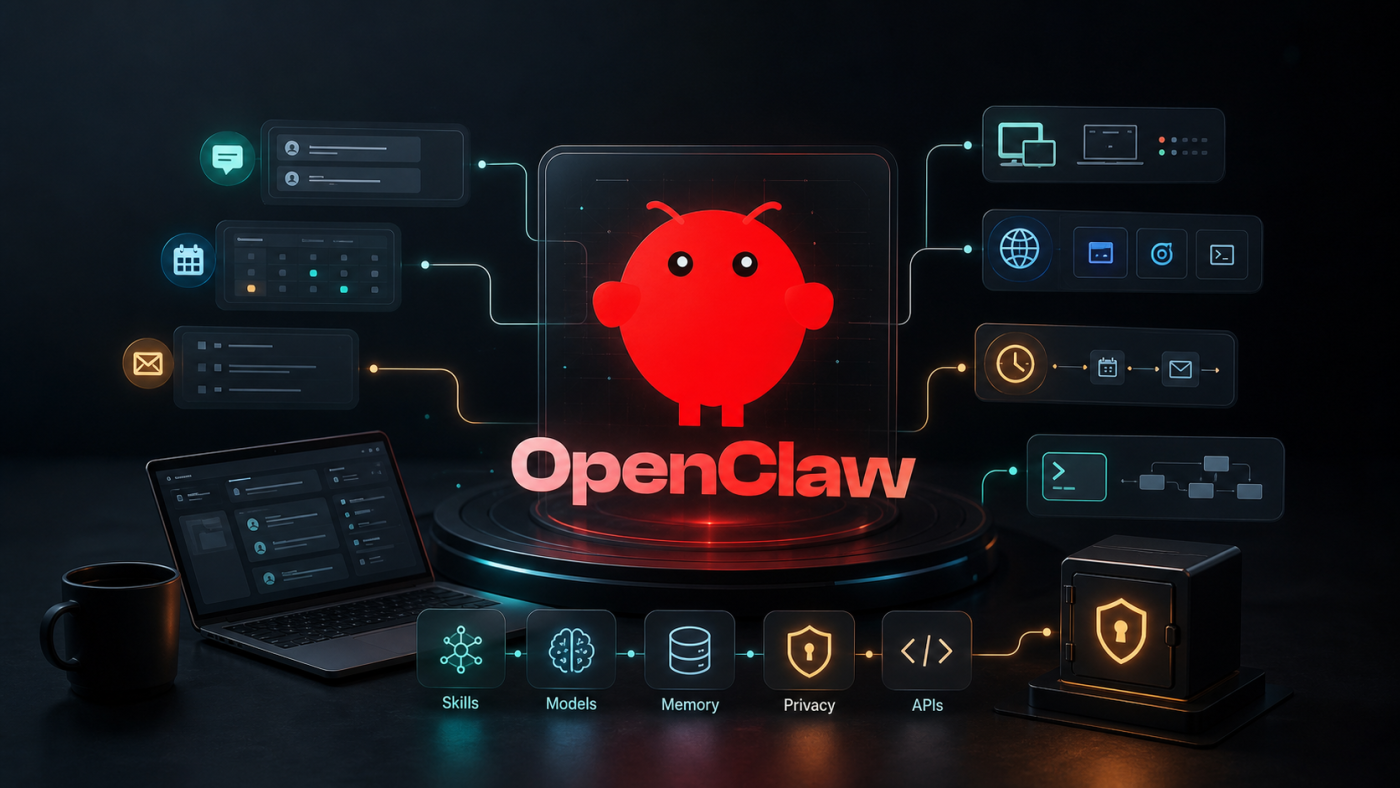
Introduction
Most AI assistants still live inside a chat window. They answer questions, summarize text, and generate drafts, but they often stop right before the real work begins.
The OpenClaw AI assistant is interesting because it pushes past that boundary. It is an open-source personal AI assistant that runs on your own devices, connects to the channels you already use, and can operate across tools, sessions, files, browsers, schedules, and workflows.
That makes it less like a chatbot and more like an agentic operating layer for everyday digital work. You can message it from WhatsApp, Telegram, Slack, Discord, iMessage, Microsoft Teams, Matrix, WeChat, and other channels, then route the request into an assistant that can take action inside your configured environment.
What Is The OpenClaw AI Assistant?
OpenClaw is a local-first AI assistant framework. It gives users a way to connect large language models to real operational surfaces: messaging apps, local workspaces, tools, skills, scheduled jobs, companion apps, and automation flows.
The official repository describes OpenClaw as a personal AI assistant that runs on your own devices. It supports many communication channels, including WhatsApp, Telegram, Slack, Discord, Google Chat, Signal, iMessage, IRC, Microsoft Teams, Matrix, Feishu, LINE, Mattermost, Nextcloud Talk, Nostr, Synology Chat, Tlon, Twitch, Zalo, WeChat, QQ, and WebChat.
That multi-channel design is the core idea. Instead of forcing the user to open a dedicated AI app, OpenClaw lets the assistant appear where the user already communicates.
Why It Matters
The practical value of OpenClaw is not that it can generate text. Plenty of tools can do that.
The value is that it can become a persistent assistant with access to configured tools, memory, channels, sessions, and workflows. For founders, operators, and technical teams, that opens up a different class of automation:
- Ask from a mobile chat app and trigger work on a machine.
- Route requests from different channels to different agent sessions.
- Let the assistant use tools such as browser control, sessions, scheduled jobs, and workspace files.
- Build repeatable skills for internal workflows.
- Keep sensitive context closer to infrastructure you control.
- Use the model provider you already trust instead of being locked into one assistant platform.
This is the broader shift: AI moving from "answering" to "operating."
How The OpenClaw AI Assistant Works
OpenClaw centers around a Gateway. The Gateway is the control plane for sessions, channels, tools, events, and assistant activity. The assistant receives requests through configured channels, reasons through the task with a selected model, and then acts through available tools and skills.
A simplified version looks like this:
openclaw/├── gateway├── channels/│ ├── whatsapp│ ├── telegram│ ├── slack│ ├── discord│ └── imessage├── agents/│ ├── main-session│ └── isolated-session├── tools/│ ├── browser│ ├── sessions│ ├── cron│ └── canvas└── skills/ ├── custom-workflow.md └── team-automation.mdThis is a conceptual operating model, not a promise that every OpenClaw installation will use this exact folder layout. It is useful because it shows the major parts a professional AI assistant needs when it moves beyond simple chat.
Gateway
The gateway is the coordination layer. It receives incoming events, routes messages to the right assistant session, connects channels to tools, and keeps the overall system organized. In practical terms, it is the traffic controller for the OpenClaw AI assistant.
Channels
The channels/ layer represents the messaging apps where users talk to the assistant. WhatsApp, Telegram, Slack, Discord, and iMessage are examples of entry points. This is important because OpenClaw does not force users to adopt a new interface before they can get value from automation.
Agents
The agents/ layer represents assistant sessions. A main-session can handle trusted everyday work, while an isolated-session can be used for experiments, external requests, or tasks that should not have broad access to the main workspace. This separation is especially useful when the assistant is connected to real tools and sensitive context.
Tools
The tools/ layer gives the assistant practical capabilities. A browser tool can support web-based research or workflows, sessions can manage context boundaries, cron can run scheduled tasks, and canvas can support structured planning or workspace-style collaboration.
Skills
The skills/ layer stores reusable workflows and instructions. A custom-workflow.md skill might define a repeatable client update process, while team-automation.md could describe how to prepare weekly summaries, monitor operations, or follow an internal checklist.
This structure matters because OpenClaw is not just a wrapper around a model API. It is a runtime for connecting model reasoning to communication channels, controlled sessions, operational tools, and repeatable business workflows.
Getting Started
The recommended setup path is the onboarding CLI. According to the official repository, OpenClaw recommends Node 24, or Node 22.16 and newer.
$npm install -g openclaw@latest$openclaw onboard --install-daemonThe onboarding flow guides users through Gateway setup, workspace configuration, channels, and skills. For a source checkout, the project uses pnpm workspaces rather than plain npm install at the repository root.
$git clone https://github.com/openclaw/openclaw.git$cd openclaw$pnpm install$pnpm openclaw setup$pnpm gateway:watchFor most teams, the global install and onboarding path is the cleaner first step. Source setup is better when you plan to contribute, customize internals, or inspect the runtime closely.
Channels Are The Interface
OpenClaw's strongest product insight is that chat apps are already the user interface for a lot of modern work.
A founder might want to send a quick instruction from WhatsApp. A developer might prefer Discord. A team might already live in Slack. A technical operator might want alerts or scheduled jobs routed through Telegram.
OpenClaw treats those channels as entry points into the same assistant layer.
That changes the adoption curve. The assistant does not require a new habit first. It can meet users inside existing behavior, then gradually take on more responsibility as workflows become trusted.
Skills Make It Extensible
OpenClaw also supports skills. A skill is a way to package repeatable behavior, instructions, or workflows so the assistant can perform specific tasks more reliably.
For teams, this is where the platform becomes especially useful. A company can define skills for:
- Preparing weekly engineering updates.
- Reviewing support escalations.
- Summarizing customer calls.
- Running release checklists.
- Searching internal documentation.
- Creating pull request notes.
- Monitoring scheduled tasks.
- Drafting operational reports.
The important part is that these skills can encode local process. Instead of repeatedly explaining how your company works, you give the assistant a structured operating pattern.
Model Choice And Local Control
OpenClaw is model-flexible. Its repository notes that users can configure providers and models, with the recommendation to choose a current flagship model from a trusted provider.
This matters for two reasons.
First, teams can choose models based on the sensitivity, latency, cost, and quality requirements of a workflow. A low-risk summarization task may not need the same model as a high-risk operational task.
Second, OpenClaw keeps the assistant infrastructure closer to the user. It is designed around local devices, local workspaces, and user-controlled configuration. That does not remove all privacy or security concerns, but it gives operators more control than a purely hosted black-box assistant.
Security Is Not Optional
The power of OpenClaw is also the risk.
An assistant connected to real messaging surfaces, local files, browser sessions, scheduled jobs, and automation tools needs careful boundaries. The official repository is direct about this: inbound direct messages should be treated as untrusted input.
OpenClaw includes security defaults such as DM pairing for many channels. Unknown senders receive a pairing code, and the bot does not process their message until approved. It also provides configuration options for sandboxing non-main sessions.
That is the right posture. Any agent that can act should be deployed with the same seriousness as any other automation system that can touch production tools, private data, or customer workflows.
A sensible rollout should include:
- Start with one trusted channel.
- Keep the first workflows low-risk.
- Use allowlists for inbound senders.
- Review DM policy before exposing remote access.
- Separate personal, team, and production sessions.
- Sandbox non-main sessions where possible.
- Keep API keys and credentials scoped.
- Monitor logs and actions during early usage.
- Document what the assistant is allowed to do.
Where OpenClaw Fits In A Business
For a business, OpenClaw is not a replacement for every SaaS tool. It is better understood as an automation layer across tools.
Good early use cases include:
- Personal executive assistant workflows.
- Engineering status summaries.
- Internal knowledge retrieval.
- Inbox triage and draft replies.
- Calendar and reminder workflows.
- QA checklists and release coordination.
- Support queue summarization.
- Research collection from trusted sources.
- Lightweight operations bots for technical teams.
The best candidates are workflows that are frequent, text-heavy, tool-connected, and annoying enough that people already avoid doing them manually.
What To Be Careful About
OpenClaw is powerful, but it is still an operator's tool. Teams should avoid treating it as magic infrastructure.
The main concerns are predictable:
- Setup requires technical comfort.
- Tool permissions can become too broad.
- Messaging channels create prompt-injection surfaces.
- Third-party skills should be reviewed before use.
- Autonomous actions need auditability.
- Model cost can grow with background automation.
- Workflows need clear approval points before high-impact actions.
The right approach is progressive trust. Start with read-only or draft-only workflows. Move into action-taking workflows only after you understand how the assistant behaves, how it fails, and how to recover when it makes a bad call.
OpenClaw Versus Traditional Chatbots
Traditional chatbots are mostly conversational. OpenClaw is operational.
A chatbot may answer, "Here is how you could summarize your inbox."
OpenClaw aims for, "I summarized your inbox, drafted replies, flagged urgent items, and sent the report through the channel you use every morning."
That distinction is the reason the project has attracted attention. It represents a practical version of agentic AI: not a futuristic demo, but a local assistant with tools, context, permissions, and channels.
Implementation Notes For Teams
If a team is evaluating OpenClaw, the implementation plan should be boring on purpose.
Start with a pilot user, one channel, one model provider, and two or three well-defined workflows. Keep the assistant away from production credentials at first. Give it a workspace with limited files and explicit task boundaries.
A simple first deployment might look like this:
- Install OpenClaw on a dedicated machine or controlled workstation.
- Configure one trusted messaging channel.
- Pair only approved users.
- Set up a small workspace with non-sensitive documents.
- Add one or two skills for repeatable internal tasks.
- Review logs and outputs for a week.
- Expand only after the team understands behavior, cost, and failure modes.
The goal is not to automate everything immediately. The goal is to build a reliable operational surface that the team can reason about.
Why OpenClaw Is Worth Watching
OpenClaw sits in a meaningful category: local-first, action-capable AI assistants.
That category matters because many organizations want AI automation without handing every workflow to a hosted platform. They want control over where the assistant runs, what it can access, which model it uses, and how deeply it integrates with internal tools.
OpenClaw is not the final form of that idea, but it is a serious signal. The assistant interface is moving out of isolated chat boxes and into the operating layer around work.
For technical teams, the question is no longer whether AI can write a response. The better question is: which workflows should an assistant be trusted to operate, under what permissions, and with what review loop?
Useful References
Conclusion
The OpenClaw AI assistant is compelling because it makes AI feel less like a separate destination and more like an assistant layer around the tools people already use.
It is open source, channel-friendly, model-flexible, and designed for real action. That combination is powerful, especially for technical operators who want control over their automation stack.
But the same power requires careful setup. Treat OpenClaw like infrastructure, not a novelty. Give it clear permissions, start with low-risk workflows, review its behavior, and expand deliberately.
Used well, OpenClaw can become a practical bridge between conversational AI and everyday execution.
Ready to turn this idea into a working system?
Share your goals, workflow, or product challenge. We will review the details and recommend the most practical next step.
Discussion
Share your thoughts, questions, or practical experience below.
No comments yet. Be the first to share a thoughtful question or perspective.